
Send
The Send feature lets you transfer digital assets from your wallet to:
- Another wallet address
- A deposit address at a crypto exchange
Before sending, always double-check the wallet address and network to avoid transfer errors.
Access the Send menu from the Portfolio screen using the Withdraw CTA.
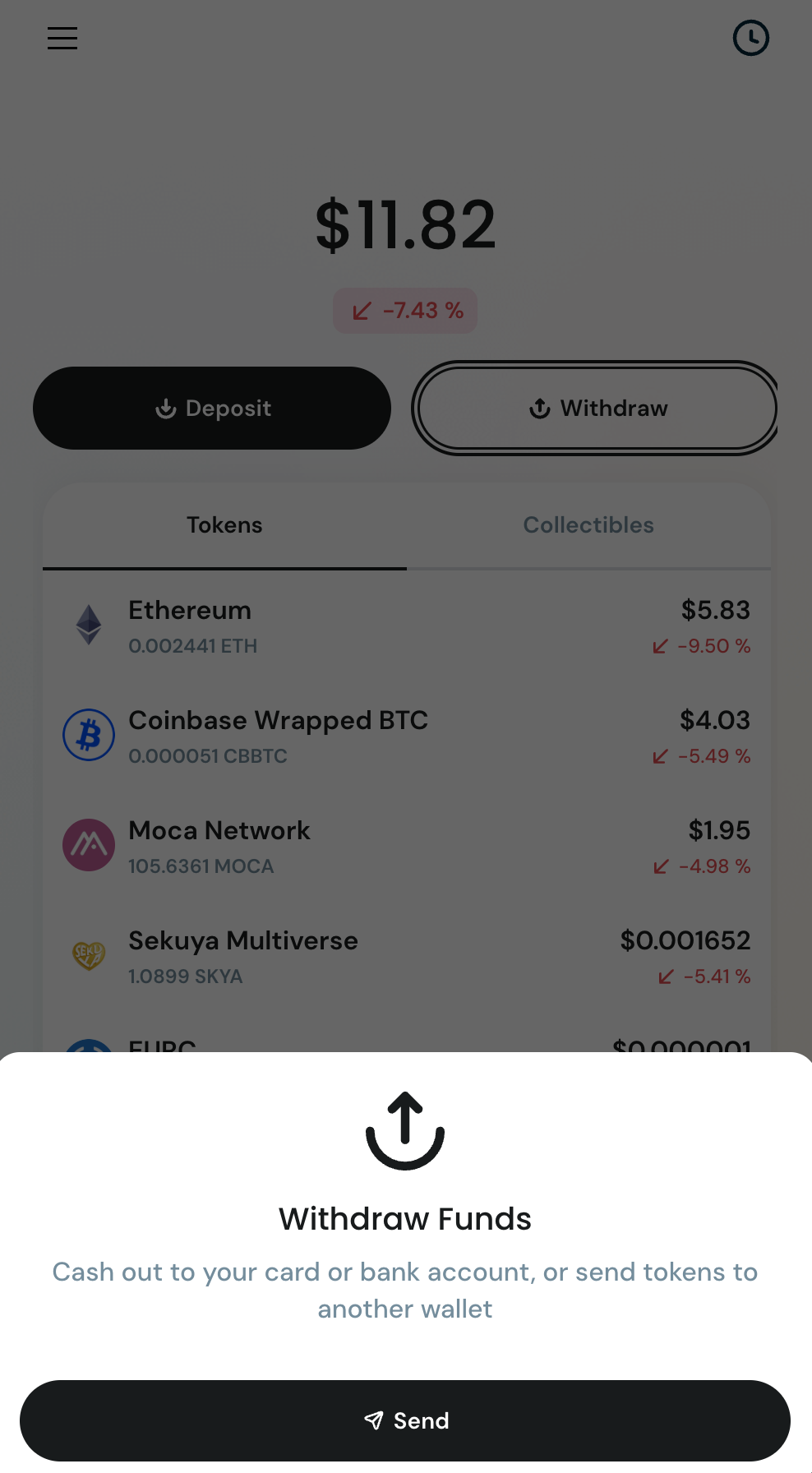
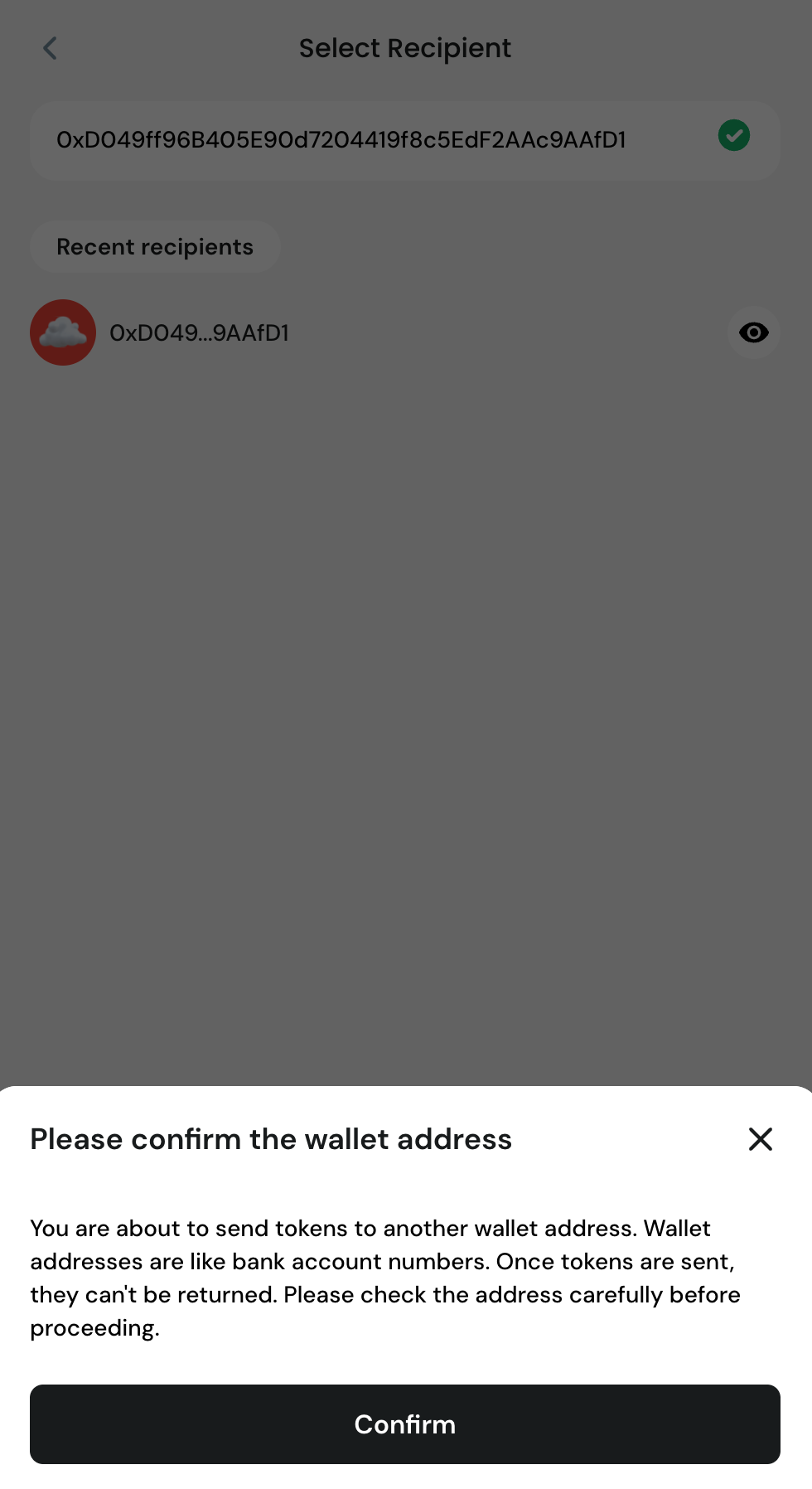
Step 1 — Select Token & Enter Address
- Choose the token you want to send
- Enter the recipient wallet address
- Address must start with 0x
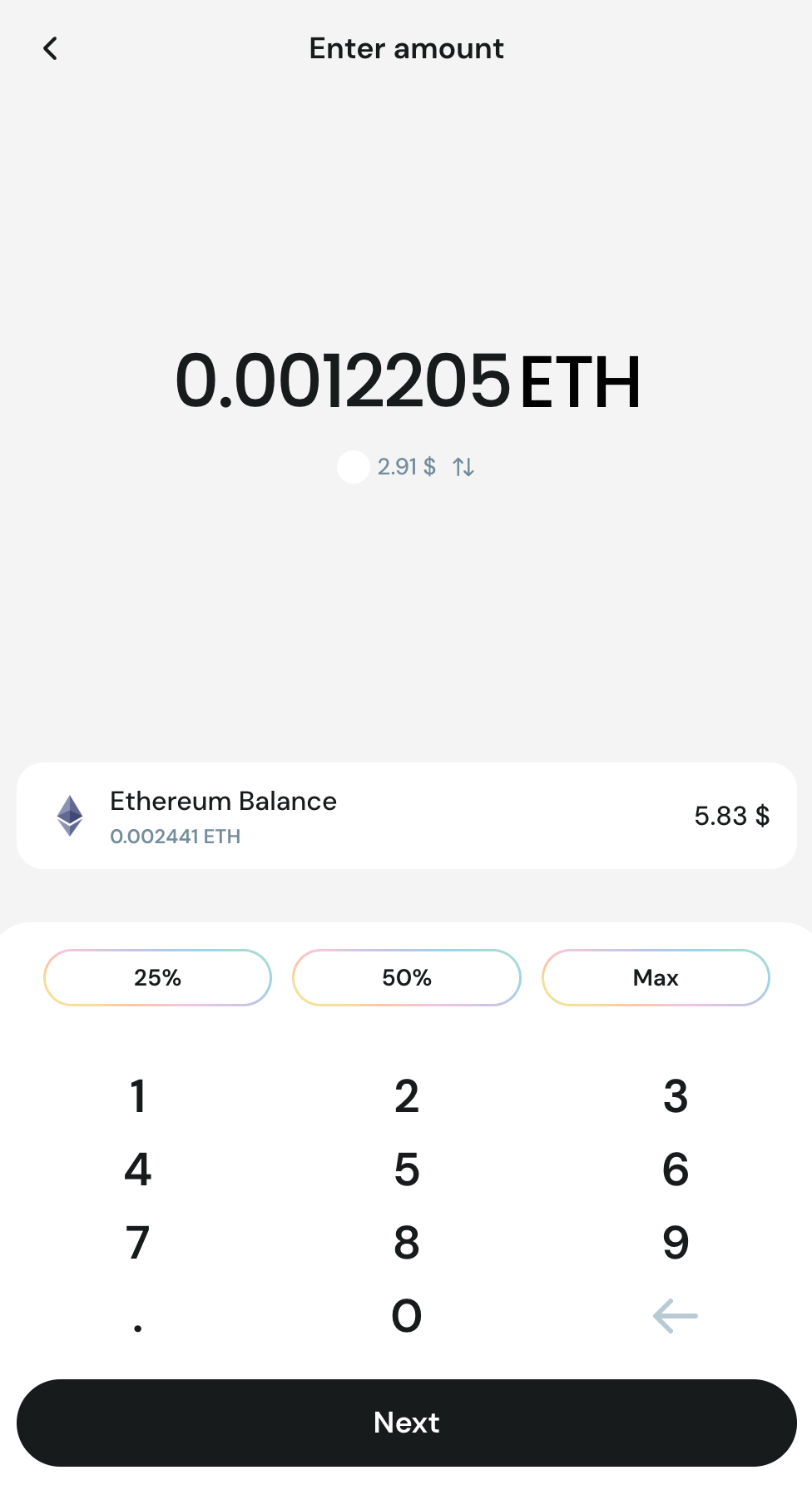
Step 2 — Enter Amount
- Enter how much you want to send
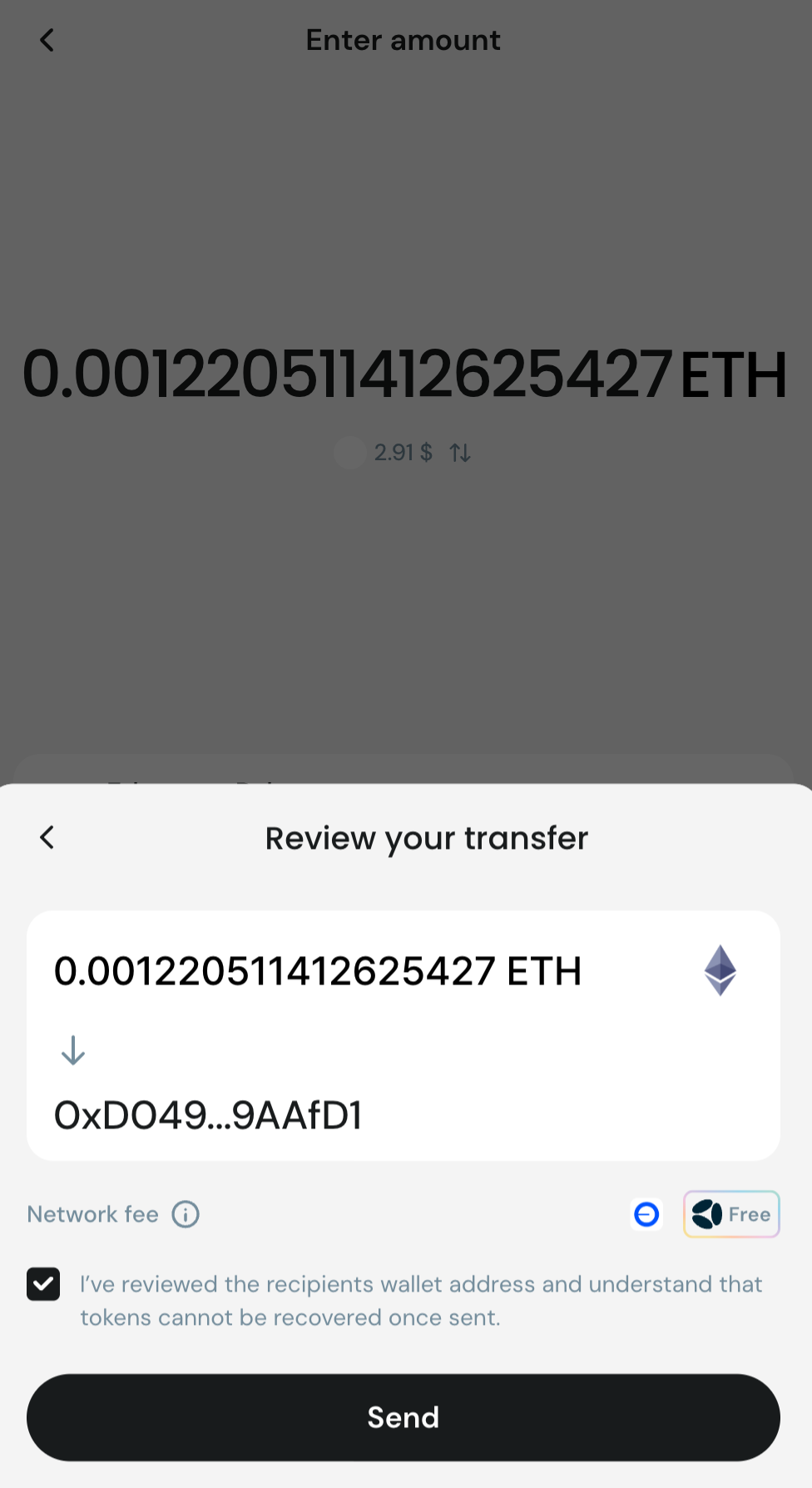
- Review transaction details before continuing
Step 3 — Confirm Transaction
- Enter your 6-digit PIN to confirm the transaction
- Transaction will be submitted to the blockchain
Forgot your PIN? Tap Forgot PIN? on the PIN screen, or see Account recovery.
✅ After Sending
- Transaction appears in your Activity
- Funds will arrive once the network confirms the transaction
⚠️ Safety Tips
- Always double-check wallet address
- Confirm you are using the correct network
- Transactions cannot be reversed
- Send a small test amount if sending to a new address