Receive
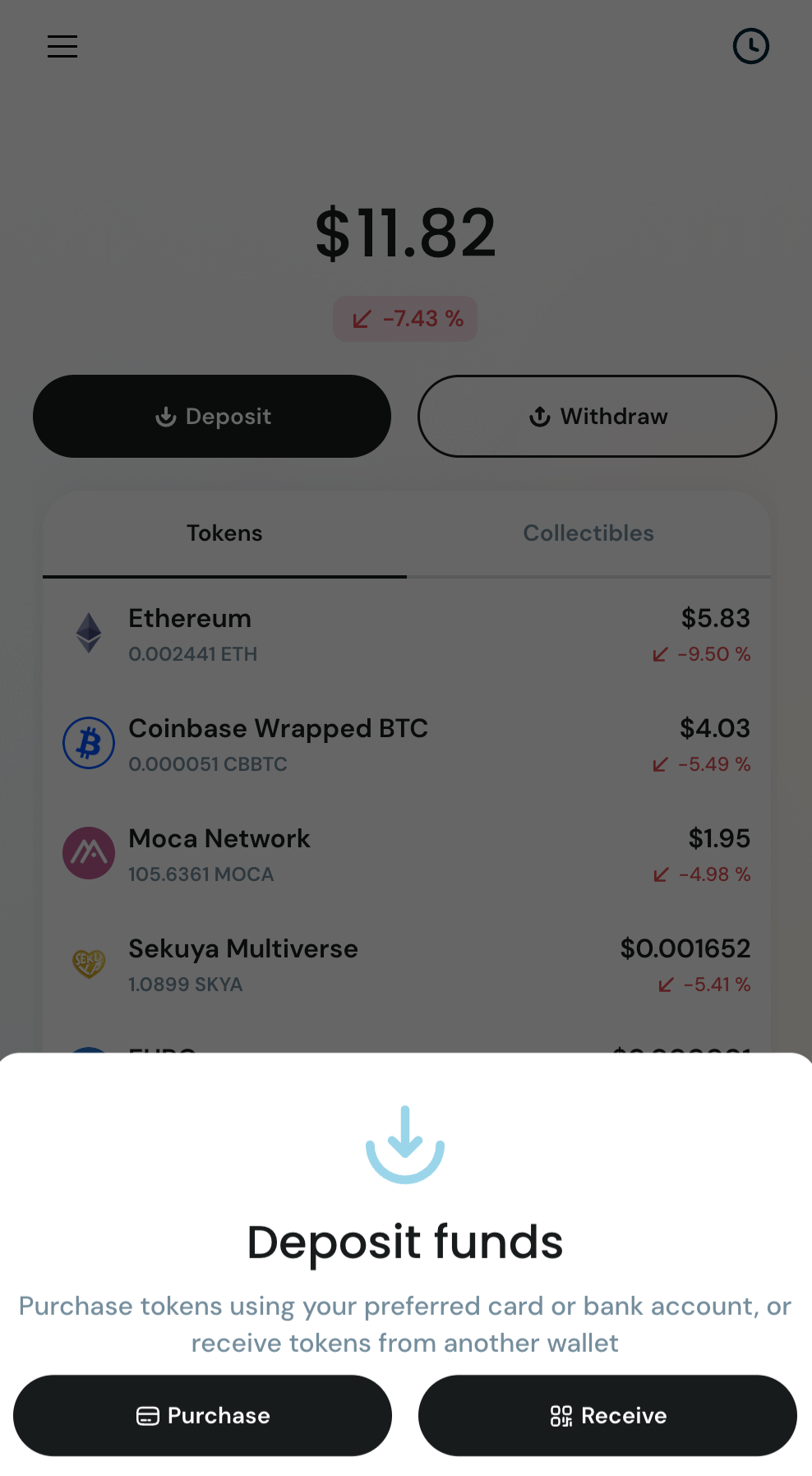
The Receive screen lets you receive digital assets into your wallet using your QR code or wallet address.
You can access this from the Portfolio screen by tapping Deposit, then selecting Receive.
Ways to Receive
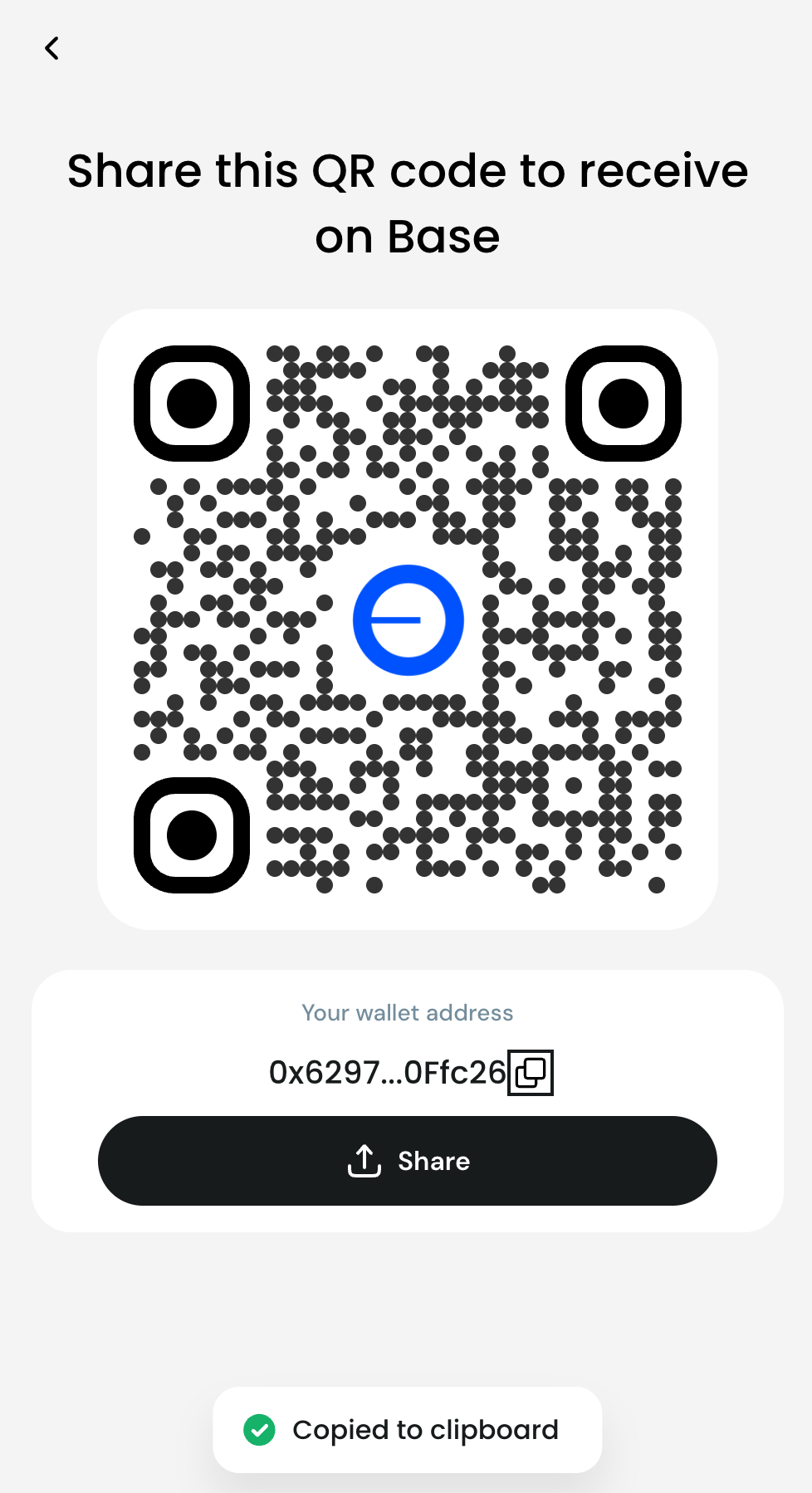
📷 QR Code
Use when someone is sending funds using their phone.
Steps:
- Open the Receive screen
- Show your QR code to the sender
- Sender scans and sends funds
🧾 Wallet Address
Use when receiving funds remotely.
Steps:
- Tap the Copy icon
- Paste your address into chat, exchange, or app
- Sender sends funds to this address
📤 Share Button
Quickly share your wallet details via messaging apps.
Before sending assets to your wallet or receiving assets, always verify the network and asset type to avoid common errors, such as sending assets to the wrong chain or unsupported tokens.
⚠️ Important: AIR Wallet currently supports only the Base network. Sending or receiving assets on other networks (e.g. Ethereum, Polygon) may result in permanent loss of funds.